Online Horse Show Entries for UK Organisers: Fewer Emails, Clearer Start Lists
·
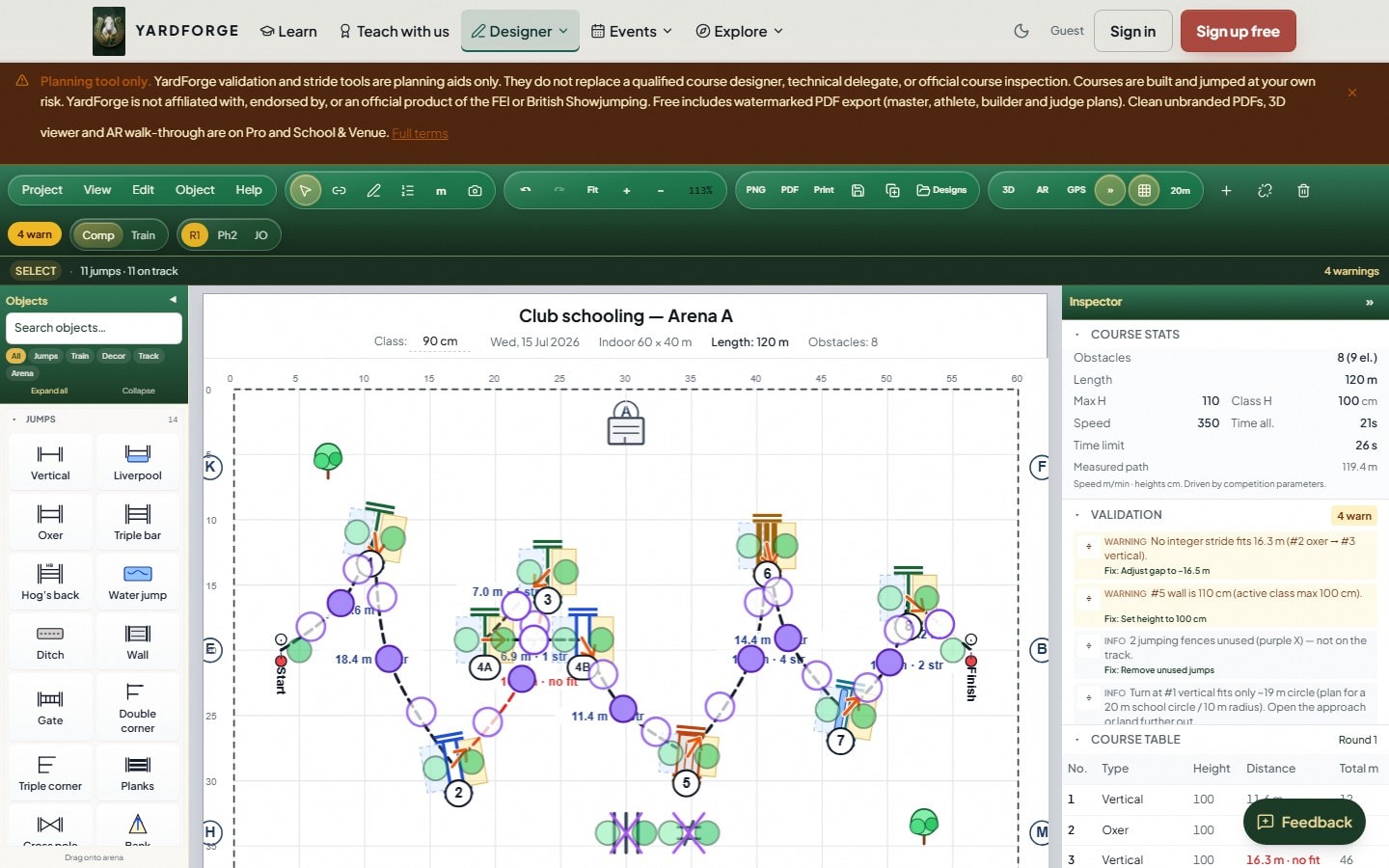
Online horse show entries are table stakes for UK organisers in 2026. Riders expect to enter on their phone; secretaries expect start lists that do not live in twelve email threads; course designers need a stable class list before they finalise the track. This guide is a practical checklist for club shows, unaffiliated days and multi-class venues, not a full FEI organising manual.
Why entries are a 2026 pressure point
Organisers are squeezed by:
- Rider expectations set by every other consumer app
- Volunteer time shortages
- Mixed classes (horses, ponies, clear-round, jump-off) on one day
- Last-minute withdrawals that break paper start lists
Industry cost and labour pressure hit shows the same way they hit livery yards: unpaid admin hours are the first thing to break.
What “good” online entries look like
Before the show
- One entry link in the schedule, not three different forms
- Clear closing dates and refund rules
- Class list that matches what the course designer is building
- Space for horse and rider details you actually need (not a novel)
- Optional notes for special requests without turning into free-text chaos
After entries close
- Exportable start lists by class
- Easy withdrawals with a timestamp
- Same data feeding results so you are not retyping names
Pair entries with course design
A modern show day fails when the secretary and the course designer use different class names:
- Freeze the schedule.
- Design each class track in the course designer with the correct standard (BS / FEI validation).
- Number fences once (numbering guide).
- Issue builder and athlete plans from the same file.
- Walk the track after build (how to walk a course).
Welfare-minded design still applies on club days, course design and horse welfare.
Day-of operations checklist
- [ ] Printed and digital start lists for collecting ring stewards
- [ ] Clear warm-up rules (especially in heat, heat stress)
- [ ] Biosecurity note for gatherings, biosecurity checklist
- [ ] Results workflow decided before the first class
- [ ] One person owns “schedule changes” so the PA is not inventing policy
Common spreadsheet failure modes
| Failure | Consequence | Fix |
|---|---|---|
| Entries only in email | Missed riders | Single online form |
| Start list retyped for results | Spelling chaos | One data source |
| Course plan not shared | Build errors | Shared designer export |
| No withdrawal log | Order of go fights | Timestamped changes |
How YardForge helps organisers
YardForge’s show organiser product surface is aimed at UK events: entries, start lists and results without bolting five consumer tools together. Riders and designers can still use the free course designer for tracks. Event pricing is on pricing (including events product options).
Explore the public page: run a show with YardForge.
Bottom line
Online entries are not a luxury feature, they are how you protect volunteer time and give riders a professional day. Pair clean entries with a validated course plan and a short welfare/heat/biosecurity note, and your show feels modern without needing a championship budget.
Related: Show jumping events calendar 2026 · Show day checklist · How to design a jump-off · Pony Club course design

