Free printable horse show entry form and schedule template (UK)
If you are the volunteer show secretary printing papers the night before a cash-on-the-day unaffiliated or clear-round night, this page is for you. One printable pack: a blank schedule grid and a blank paper entry form you can fill in at the gate.
Print what you need tonight. When you are ready to take entries on phones as well as paper, you can open the same class list online on YardForge. Organisers use show organiser. Free during beta. Riders enter free.
What to print before a cash-on-the-day show
Two sheets still earn their keep on a club day, even when half the yard lives on WhatsApp.
The schedule is the public face of the day: which classes run, in what order, roughly when, and in which ring. Pin one copy on the office door, one at the collecting ring, and keep a spare in the car.
The paper entry form catches riders who turn up without a phone signal, without the Facebook event open, or with a junior who needs a parent signature on the day. Some shows stay fully cash-on-the-day by choice. Others mix a few pre-entries with walk-ups. Either way, a blank form on a clipboard beats inventing fields on the back of a feed bag.
You do not need a named-show PDF from a county agricultural society for a riding-club clear-round night. You need plain columns and fields that match how you already run the ring.
Blank schedule template (what to put on the page)
Copy this into a spreadsheet or word processor, set the page to landscape if the columns feel tight, and print.
| Class no. | Class name | Height or type | Start time or order | Ring | Notes | Fee |
|---|
Suggested columns in plain English:
- Class number / name. Keep the same wording you will use on the start list and on any online entry link later.
- Height or type. For show jumping nights that might be 60 cm clear round, 70 cm, 80 cm, or a mixed hunter / working hunter slot. Write what riders will see on the board.
- Start time or order. A clock time helps parents. An order of go ("after Class 3") is enough when the day runs on roll-up.
- Ring. Indoor, outdoor, or Ring 1 / Ring 2 if you run two.
- Notes. Warm-up rules, "no timing", "juniors only", or "course walk at 9.45".
- Fee. Leave the cells blank until your own schedule is set. Do not copy sample amounts from another show's PDF.
Print two or three copies. Mark one as the master for the secretary desk so last-minute class merges land in one place.
Blank entry form fields that actually get used
Keep the paper form short. Match the spirit of what online entries usually collect (name, horse, contact) without turning the clipboard into a novel.
Suggested fields:
| Field | Why it is there |
|---|---|
| Rider name | Start list and results |
| Horse / pony name | Same |
| Class number(s) | One line per class, or tick boxes if you prefer |
| Height or type | Catches mix-ups when two similar classes run |
| Contact (phone or email) | Withdrawals, lost property, next-day results |
| Signature / rules acknowledgement | Field name only: space for the rider or parent to sign that they have read your yard or show rules. This is not a contract template and is not legal text. Use your own rules sheet. |
| Junior date of birth (optional) | Only if you need it for age classes or parental consent on the day |
You can add emergency contact or horse passport number if your venue asks for them. Skip anything you will never look at again once the class has run.
Print a small stack. Clip a biro to the board. Put a copy of the day's schedule beside the forms so riders can see class numbers without shouting across the car park.
How paper and online entries work together
Paper does not have to fight online entries. Many UK club nights start on clipboards and move the same fields online when the volunteer team is ready.
A practical pattern:
- Freeze the class list on the schedule above.
- Put one entry link in the published schedule when you open online entries (not three different forms in three Facebook comments).
- Keep the same class names for the course designer and the gate so the track matches the start list.
- On the day, still keep a few paper forms for walk-ups and for anyone without signal.
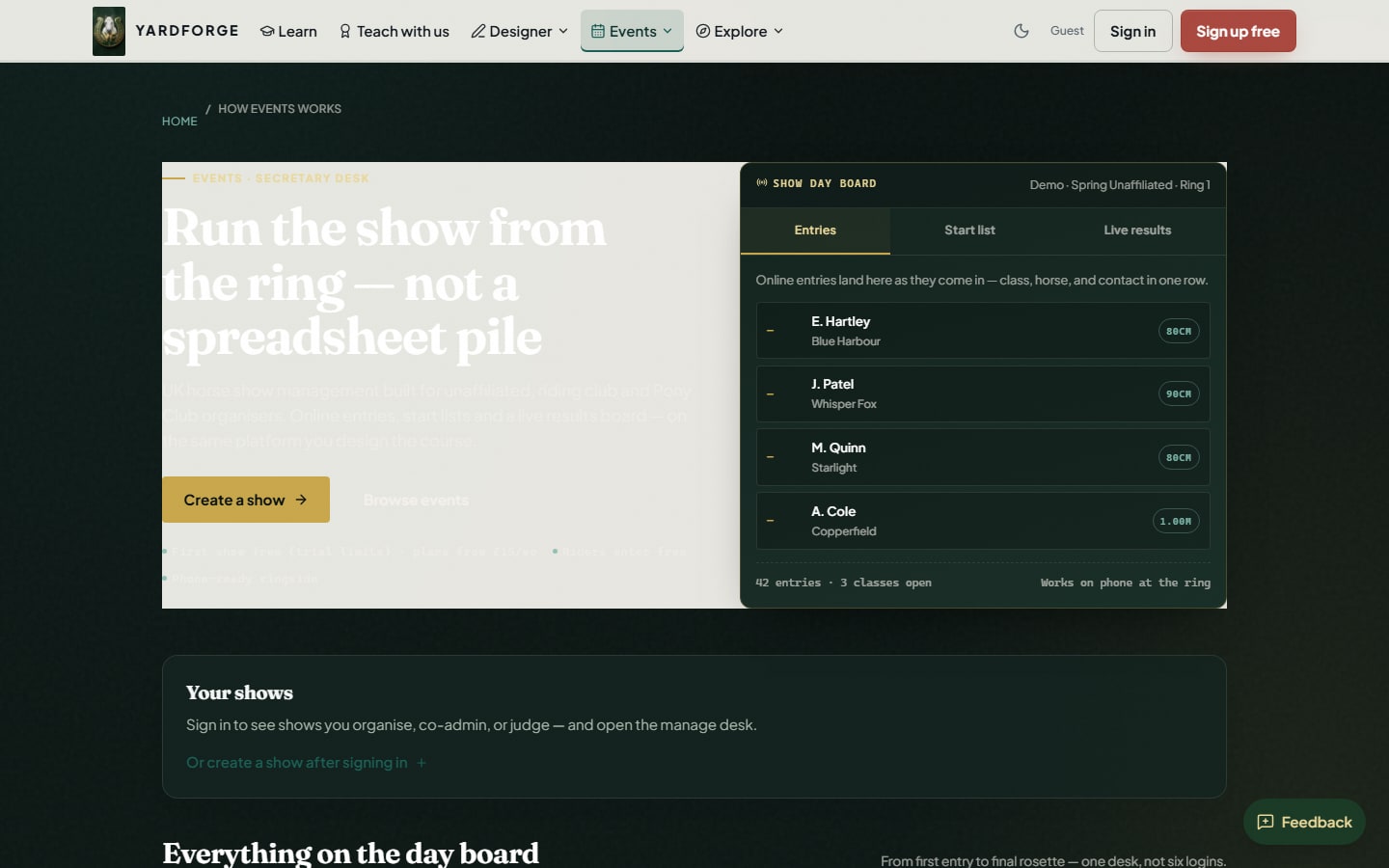
YardForge's show organiser already collects online entries, publishes a public show page, and can give you a CSV plus a class sheet / start list for the gate. That is the export path today. There is no separate blank-template download to ask for; print the fields on this page. For the wider checklist on online entries, start lists and results without spreadsheet chaos, see online horse show entries for UK organisers.
If you are also planning the track for a clear-round or league night, the free course designer keeps the plan in one file for the build team.
Unaffiliated and clear-round nights
This pack is for unaffiliated riding-club days, clear-round evenings, and similar club fixtures. It is not a federation entry pack and it is not an endorsement of any governing body. Publish the classes clearly on your schedule so riders know heights, whether the class is timed, and how results will be decided.
If you want riders to find the fixture when entries are open, list it on the events calendar. If you are stitching several evenings into a winter series, how to run a winter show jumping league covers multi-round planning without inventing federation grading tables.
Soft next step when you are ready
Print the schedule and entry fields tonight if that is what the show needs. When you want the same class list online, open entries and a public show page on show organiser, and list the fixture on events once entries are open. Free during beta. Riders enter free.