GPS Arena Mapping: Measure Your Arena by Walking the Perimeter
·
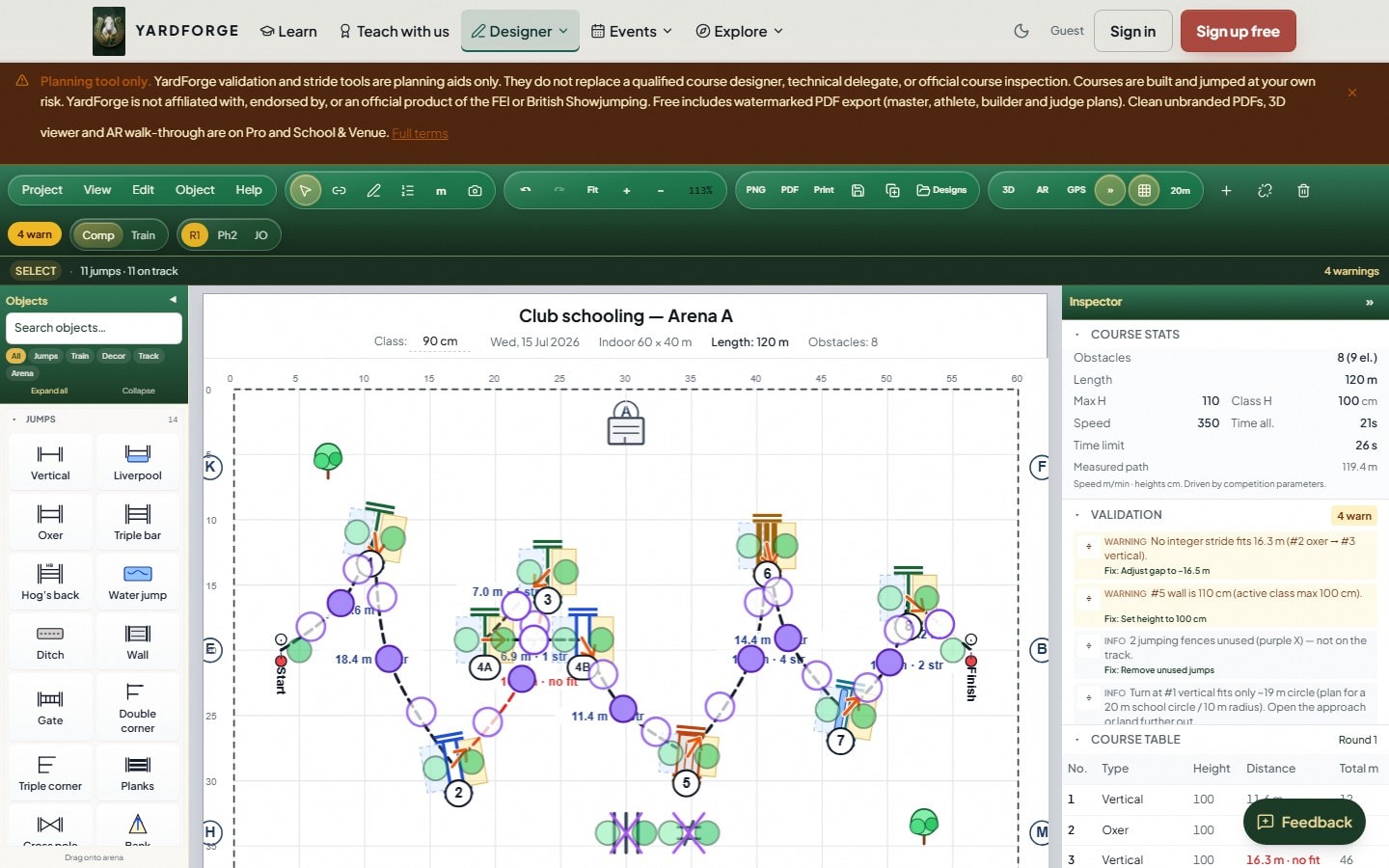
Tape measures snag on corners and need two people. A perimeter walk with a phone GPS can return width and length within a useful tolerance for course planning — especially on grass arenas without permanent fencing.
How it works
- Start at a corner (ingate is ideal).
- Walk the inside track of the arena boundary at a steady pace.
- Close the loop back at the start point.
- Software fits a rectangle (or polygon) to your track and reports dimensions.
Accuracy tips
- Walk inside the boards or fence line you will jump inside.
- Avoid walks during heavy tree cover if possible; open sky improves GPS fix.
- Repeat twice; if results differ by more than 1 m, average them.
- Cross-check one diagonal with a long tape for championship builds.
When GPS beats manual measurement
- Temporary arenas at show venues.
- Newly extended arenas before permanent markers are painted.
- Remote sites where you are designing before visiting with full kit.
When to use a tape
FEI and BS course inspections may still want verified markings. Use GPS for design and planning; use traditional measurement for final certification if required.
Save mapped dimensions in your course file so every fence position scales correctly — no more guessing that your 40 × 60 plan fits a 38 × 55 reality.
Step-by-step in YardForge
The GPS arena mapper automates the rectangle-fitting:
- Open the designer on your phone, standing at a corner of the arena.
- Start the perimeter walk from the Arena panel and walk the boundary at a normal pace.
- Tap to close the loop — the app fits your track, reports width × length and average GPS accuracy, and offers to apply the dimensions to your current course.
- Save the arena as a venue preset so every future course for that venue starts from real dimensions.
You can also GPS-tag individual fence positions after building a course on paper — walk to each fence and pin it, and the plan snaps to reality.
Why real dimensions matter for distances
A course designed for 40 × 60 and squeezed into 38 × 55 loses metres exactly where they hurt: the related distances. A five-stride line that shrinks by 1.5m becomes a flat four and a half — the kind of surprise that teaches a young horse to rush. Measure first, then design; the stride labels are only as honest as the arena underneath them.
If your GPS walk gives you a result in feet rather than metres, our jumping arena size in feet guide has the conversion table and typical arena sizes both ways.

