How to Use the Stride Calculator Effectively: A Step-by-Step Guide
·
The free stride calculator does one job well, turning a metre distance into a stride count, or a stride count into a metre distance, for a specific horse. Most people get a rough answer from it in ten seconds. This guide is for getting the right answer, the one that actually matches the horse in front of you.
Step 1: Set the real hand height, not a guess
The calculator opens on a hand-height slider that drives a default stride length. If you know your horse or pony's actual hand height, set it first, a 13.2hh pony and a 17hh horse should never be sharing the same default distance. Tap Advanced to reveal stride, take-off and landing length individually if you want to override the default.
Step 2: Use your own measured stride if you have one
A default by hand height is a starting point, not a fact about your horse. If you have measured a real related line at home (see choosing the right stride length for how to do this properly), enter that number directly under Advanced rather than relying on the height-based default. The calculator's output is only as accurate as the stride length you feed it.
Step 3: Save the horse so you never re-enter it
If you are signed in, select or save a horse profile from the horse card instead of typing numbers in every time. The calculator picks up stride, take-off and landing from your saved horse profile automatically, and every future visit, on any device, starts from the correct numbers for that specific horse.
Step 4: Pick the right line type and standard
Line type changes what "ideal" means, a related line, a combination, and a bounce all have different accepted ranges even for the same horse. Competition standard (BS, FEI, Unaffiliated, Hunter) shifts the target ranges to match the rule book you are actually riding under. Getting either of these wrong is the most common reason people think the calculator "gave the wrong answer", it answered a different question than the one they meant to ask.
Step 5: Choose the direction that matches your task
- Distance → strides: you have measured (or plan to measure) a line and want to know how many strides it should ride in.
- Strides → distance: you know you want a specific stride count (e.g. a one-stride double for a lesson) and need the metres to set the poles.
Switching direction keeps the same horse and line settings, so you can sanity-check both ways on the same setup.
Step 6: Read the stride-zone colour, not just the number
The visual line builder colours the distance by quality, comfortable zones read differently from tight or stretched ones. A number of strides can be technically correct while still sitting at the extreme edge of a zone; the colour tells you at a glance whether the distance rides kindly or asks the horse to reach or condense to make it work. If the colour flags a stretch, expect the horse to need more leg or a steadier approach on that line.
Step 7: Switch to feet and inches if that is how you think
The imperial toggle converts every distance without changing any of the underlying maths, use whichever unit your yard tape measure is marked in, so you are not doing mental conversion on top of everything else.
Step 8: Share the exact setup, not just a number
The Share button copies a link that reproduces your horse, line type, standard and distance for whoever opens it, a coach, a fellow livery, or your own phone at the yard. This beats texting "7.3m, 1 stride" because the recipient also gets the standard and horse context, not just a bare figure.
Common mistakes this fixes
- Using the average-horse default for a pony. Ponies are consistently 0.3–0.5 m shorter strided than the calculator's horse default, set the hand height or advanced stride first.
- Ignoring going. Deep or holding ground shortens effective stride by 10–20cm; if a line rides short at a show but was fine at home, the ground changed, not the horse, see choosing the right stride length for how to account for it.
- Mixing standards. A distance that is a comfortable one-stride under Unaffiliated rules can be a tight fit under FEI at the same height, always match the standard to the class you are actually riding.
Where to use these numbers next
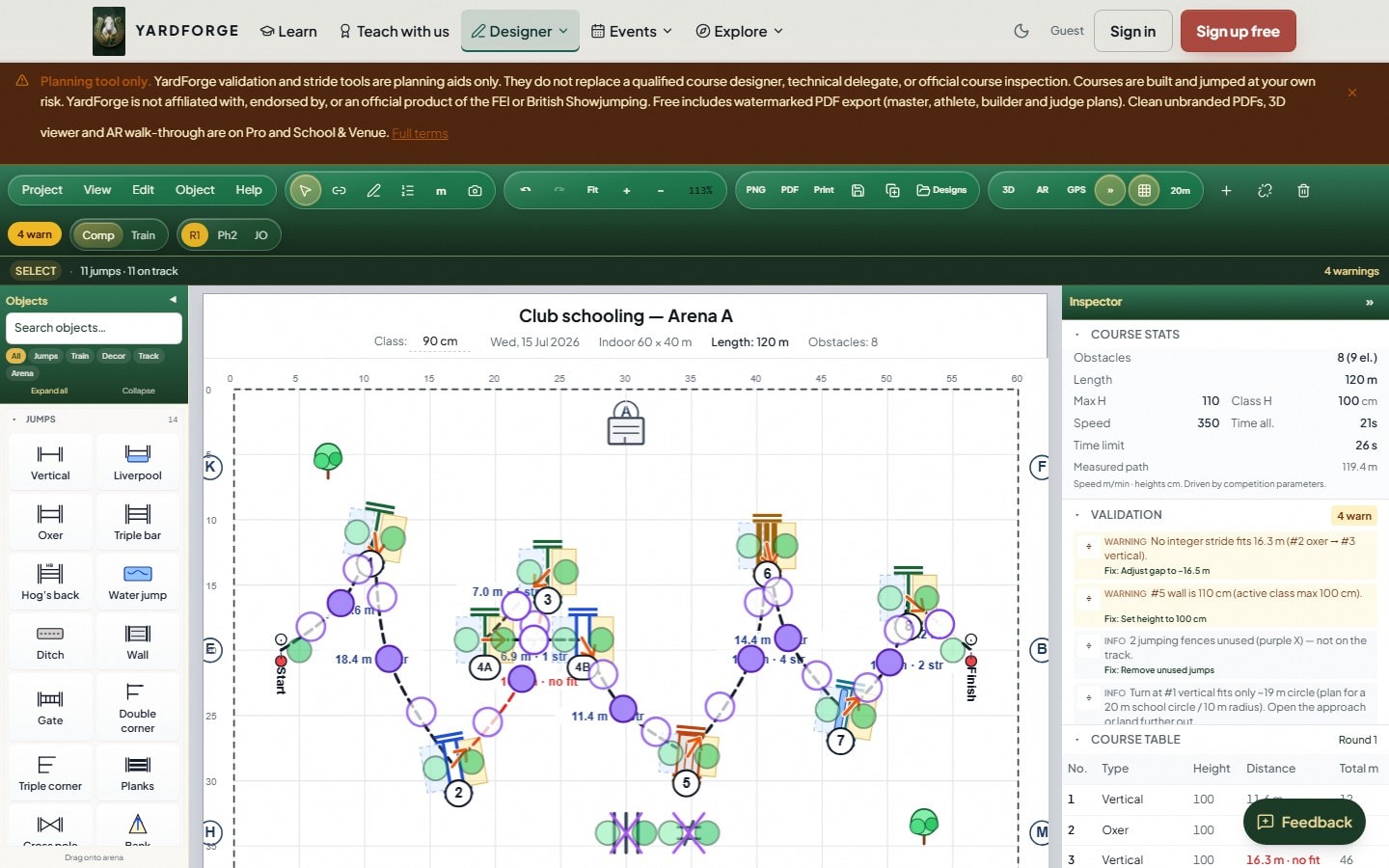
Once a distance checks out on the calculator, lay it out for real using the ranges in our gymnastic grids guide or the exercise-specific spacing in polework exercises for show jumpers. If you are building a full course rather than a single line, the same stride engine runs inside the course designer, so a horse profile set up once in the calculator carries straight through to full course validation.

